
Retrieve and Filter Privacy Requests
To automate privacy operations, privacy engineers and DPOs often need to continuously poll for new data subject rights requests (DSARs, Deletion, or Opt-Outs). This allows external orchestration engines to trigger scans or notify downstream databases.
In this tutorial, you will learn how to programmatically search, filter, and retrieve incoming privacy requests using the Privacy Portal Admin API.
1. Navigating the UI for Context
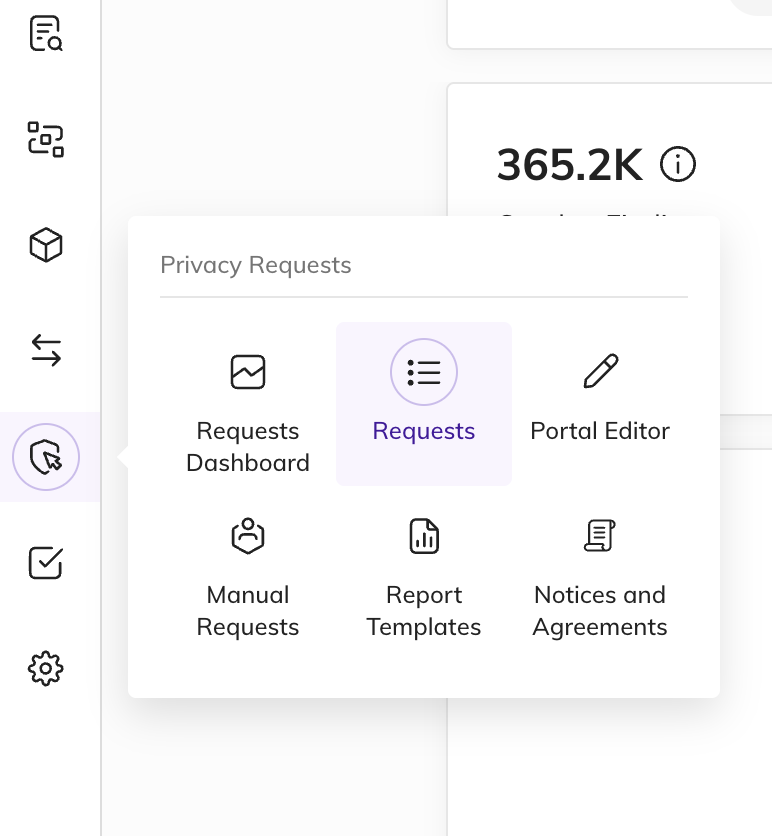
Section titled “1. Navigating the UI for Context”Before writing search scripts, you can locate the request ID, status, and processing stage in the custom application interface within BigID. Under the Requests sidebar menu, you will see a live grid of all requests and their current processing status (e.g., VERIFY, COLLECT, APPROVE, COMPLETE).
2. Searching Requests via API
Section titled “2. Searching Requests via API”To retrieve user requests programmatically, perform a POST request to the search endpoint. Filtering options are passed in the request body, allowing you to build complex search queries.
HTTP Endpoint
Section titled “HTTP Endpoint”POST /api/prm/{tenant}/requests/searchRequest Headers
Section titled “Request Headers”Ensure you include your admin API key in the X-API-Key header (refer to the Authentication Guide on how to obtain this key):
X-API-Key: <YOUR_API_KEY>Content-Type: application/jsonRequest Body Parameters
Section titled “Request Body Parameters”The search body accepts a FindRequestsOptionsDto JSON object:
filters(array): A list of search filter criteria objects.name(string): The field to filter on (e.g.,status,type,processingStage).values(array of strings): Values to match against the filtered field.
limit(query integer): Maximum number of records to return (defaults to10).skip(query integer): Number of records to skip for pagination (defaults to0).showAttributes(boolean): Set totrueto include consumer attribute fields in the returned dataset.
3. Code Examples
Section titled “3. Code Examples”Select your preferred language to see how to search and filter requests via the Admin API:
import requests
url = "https://bigidprivacy.cloud/api/prm/my-tenant/requests/search?limit=5"headers = {    "X-API-Key": "YOUR_API_KEY",    "Content-Type": "application/json"}payload = {    "filters": [        {            "name": "status",            "values": ["SUBMITTED"]        }    ],    "showAttributes": True}
response = requests.post(url, headers=headers, json=payload)print(response.json())
const url = 'https://bigidprivacy.cloud/api/prm/my-tenant/requests/search?limit=5';const headers = { 'X-API-Key': 'YOUR_API_KEY', 'Content-Type': 'application/json'};const payload = { filters: [ { name: 'status', values: ['SUBMITTED'] } ], showAttributes: true};
async function searchRequests() { try { const response = await fetch(url, { method: 'POST', headers: headers, body: JSON.stringify(payload) }); const data = await response.json(); console.log(data); } catch (error) { console.error('Error searching requests:', error); }}
searchRequests();4. Understanding the Response
Section titled “4. Understanding the Response”The API returns a PagingResponseDtoUserRequestDto object containing a list of matching requests.
Response (200 OK):
{ "data": [ { "id": "req_841203", "originalRequestId": "ext_9831a28d", "type": "ACCESS", "requestKeyType": "EMAIL", "userType": "CUSTOMER", "dueDays": 29, "dueDate": "2026-09-11T14:32:00.000Z", "status": "SUBMITTED", "processingStage": "VERIFY", "regulation": "CCPA", "closed": false, "processingStartDate": "2026-08-12T10:00:00.000Z", "issueDate": "2026-08-12T10:00:00.000Z" } ]}Key Response Fields to Parse
Section titled “Key Response Fields to Parse”| Field Name | Type | Description |
|---|---|---|
id | String | The unique identifier of the request in the Privacy Portal. |
type | String | The request action type (ACCESS, DELETE, OPT_OUT, etc.). |
requestKey | String | The primary identity lookup key used by the data subject (e.g., email or phone). |
processingStage | String | The active workflow step (VERIFY, COLLECT, REVIEW, CONFIRM, APPROVE, COMPLETE). |
dueDate | String | ISO 8601 date indicating when compliance must be achieved under the specified regulation. |
Error Handling
Section titled “Error Handling”If your API key is invalid or your session has expired, the API will respond with:
Response (401 Unauthorized):
{ "message": "Neither valid API Key nor Authentication cookie is present", "status": 401}All rights reserved.